BMPCONTRASTFiler©
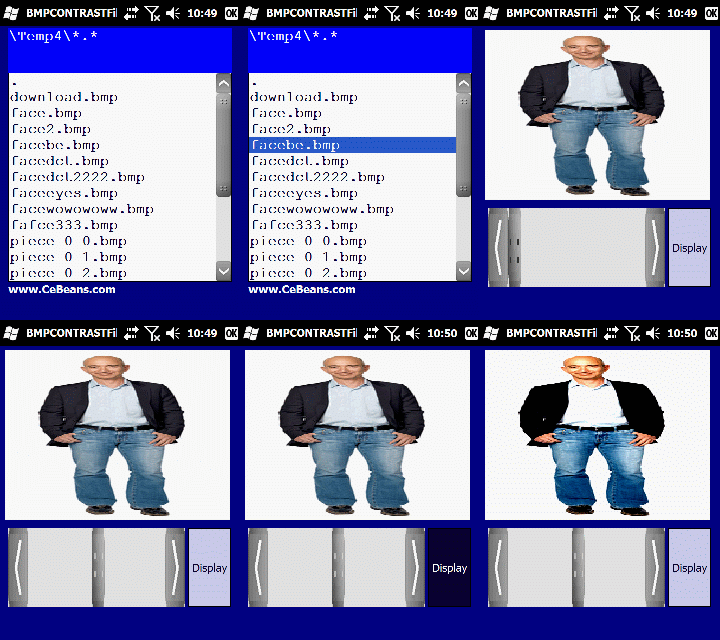
This program allows you to adjust the contrast of a Bitmap image with a built in editor. Use the file based explorer to locate the bitmap file and when you tap on it you can view it in the viewer. Use the slider to adjust the level of contrast in the picture. When done select 'Save BMP' from the toolbar to export the bitmap image file and view in your image viewer. The Contrast C++ filter is from Microsoft CoPilot.
Freeware - Download PocketPC BMPCONTRASTFiler© Now!
To run these Pocket Visual Basic programs you need the free Microsoft Distribution Source Files located at https://www.CeBeans.com/runtime/runtime.htm
Click here to go to the Free Windows CE Software Website
(c)1998-2026 Vincent Collura ( Inventor / Engineer )